

Prepare your mug wrap
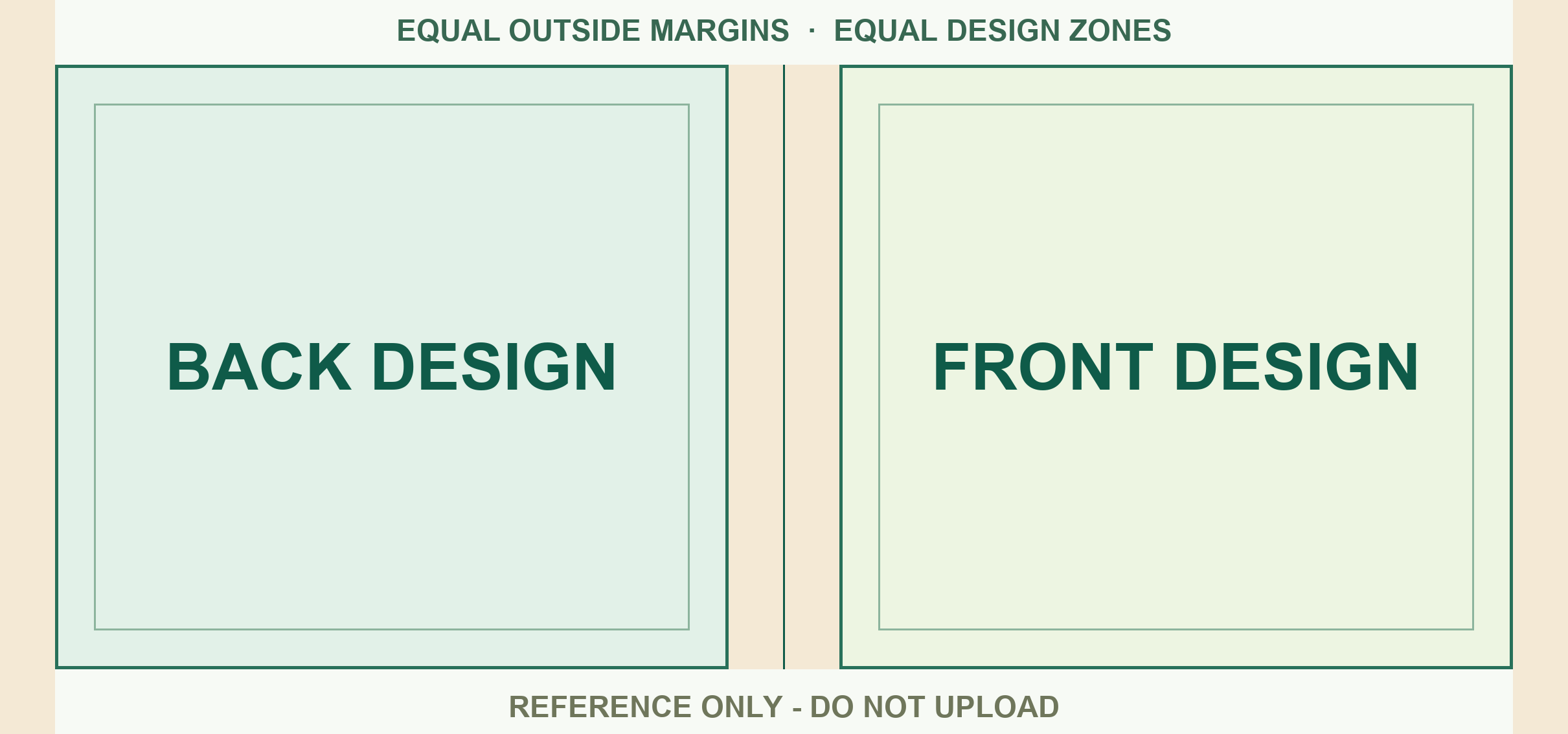
- Open the blank canvas. Keep its dimensions and put your artwork on a new layer. Use the separate placement guide to check where the two faces sit.
- Check both sides. Back artwork sits to the left and front artwork to the right on the flat canvas. Keep key text inside the guide’s inner boxes. A design that looks centred on screen can sit closer to the handle when wrapped.
- Export at full size. Hide the placement guide and export the flat artwork. Upload your finished PNG, JPG or PDF up to 8 MB. Use the print file for production and a separate image for the shop listing.
- Save a SKU. Save the finished template in the seller portal and copy its SKU into the matching listing or variation. Save a new version under a new SKU if the artwork changes after orders have been accepted.
Switching from another mug printer?
Start with your editable artwork if possible. Transfer the design onto this canvas, since the printable dimensions from another printer may differ. Test one sample before switching all listings.