
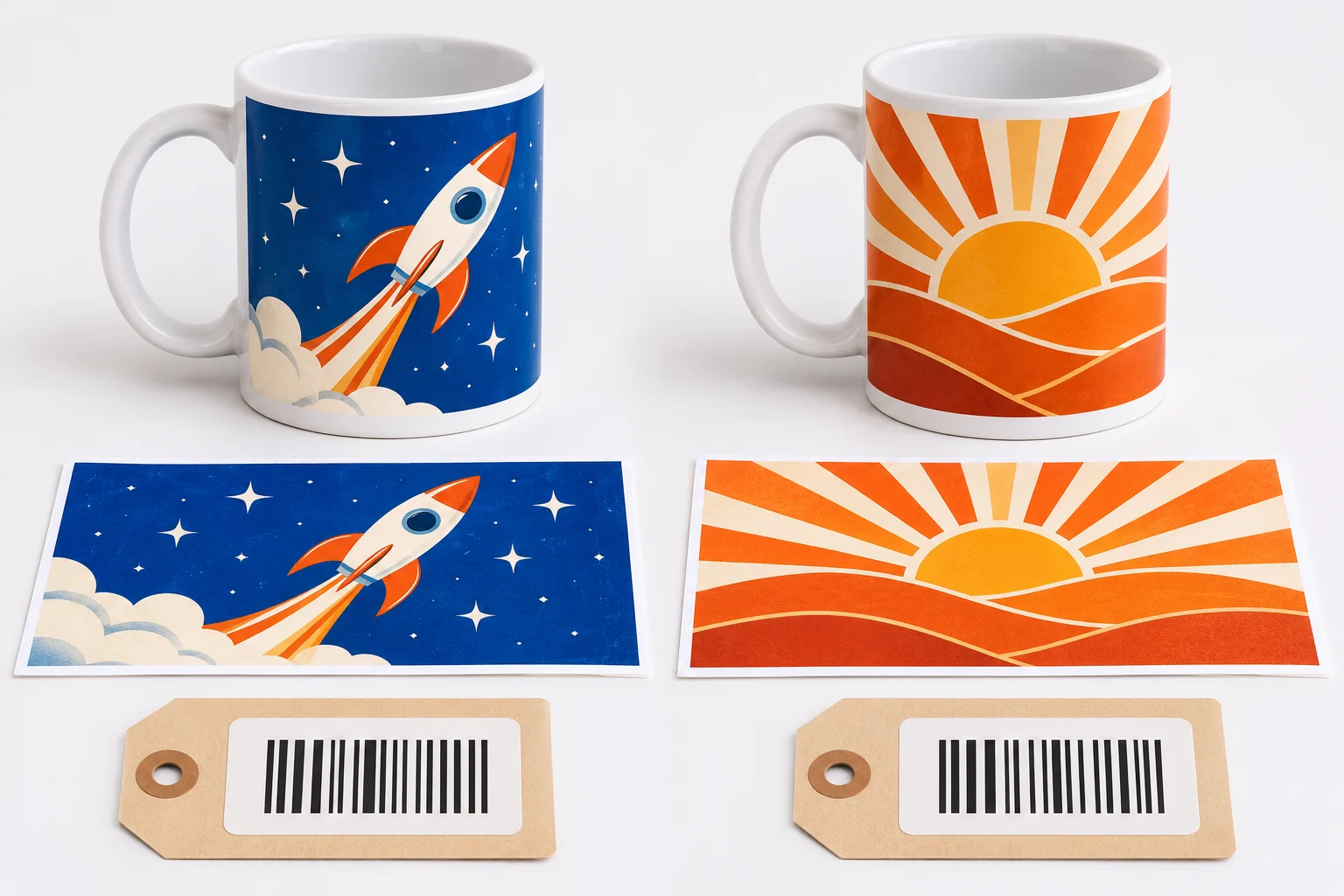
Set up one code per design
- Upload your print wrap. Save the finished file in the seller portal. Give it a name that helps you identify the design in an order.
- Copy the SKU into the right variation. Use Copy SKU beside the saved artwork. Paste it into the relevant Etsy SKU field, eBay custom label or SKU field, or Amazon seller SKU field when creating the corresponding offer.
- Check the first order. Compare the SKU on the order with the file and the listing photo before you submit and pay. Use the mug SKU only for the mug lines you want us to print.
When a design changes
Upload the revised artwork and use its new SKU on future sales. Keep the old SKU linked to orders already placed so the buyer receives the version they chose. If a marketplace won’t let you edit the SKU on an existing offer, check how to move that offer before using it for fulfilment.
If the import has no SKU
Check the original marketplace order and confirm the design before you book a label. Evri tracking identifies the parcel. The SKU identifies the artwork. See the marketplace and Evri guide for the pilot workflow.